Computing
We are very committed to making computing interesting, exciting and informative all the way from Reception up to Year 6. We are always striving to improve our curriculum and opportunities for children to learn and enjoy computing. We have teamed up with the National Centre for Computing Education and Teach Computing in order to provide our planning for our Computing education. This will give the children the best opportunity to become a well-rounded computing student.
By the time pupils leave primary school we aim to develop pupils who:
- Are responsible, confident and creative users of technology, who apply computational thinking beyond the Computing curriculum.
- Become digitally literate and are active participants in a digital world.
- Know how to stay safe whilst using technology and on the internet, minimising risk to themselves and others.
- Understand and follow agreed E-Safety rules, and know who to contact if they have concerns, including the use of report buttons.
- Have repeated practical experience writing computer programs in order to solve problems, including logic & algorithms.
- Ask and answer questions through collection, analysing, evaluating and presenting data and information.
- Understand how digital networks work & the services they provide.
- Use search options effectively; understanding the need to evaluate the relevance of content.
Home learning
The following website has some excellent computing activities for you to do with your child at home:
https://www.barefootcomputing.org/homelearning
ScratchJr
ScratchJr is a free, easy-to-use coding app for young children (ages 5–7). Kids snap together colourful blocks to make characters move, talk, and act, helping them learn the basics of coding without needing to read or type.
How it helps children
-
Builds early coding skills like sequencing and problem-solving
-
Encourages creativity through stories and animations
-
Supports maths and literacy (counting steps, telling stories)
-
Develops logical thinking and independence
-
Great for SEND learners because it’s visual, simple, and child-paced
Here are some tutorials on how to use ScratchJr:
What is e-safety?
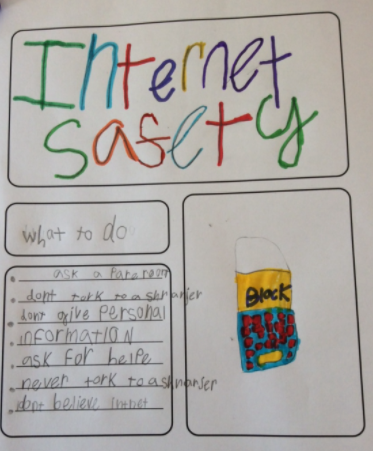
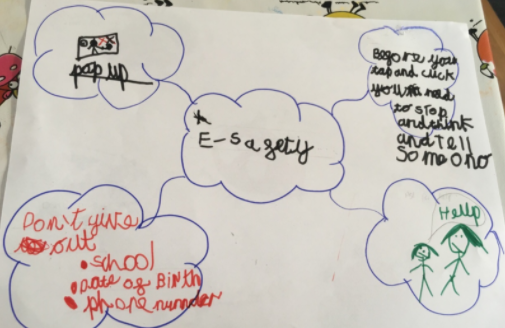
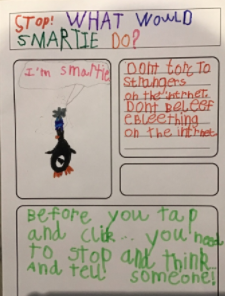
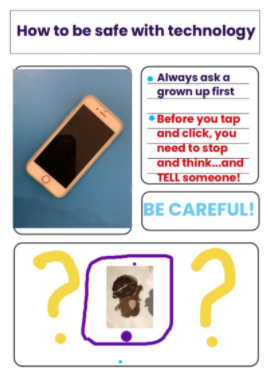
⭐ Key ideas of e-Safety
-
Keeping personal information private
(Don’t share your full name, address, school, phone number, or passwords.) -
Staying safe when chatting online
Only talk to people you actually know in real life. -
Knowing what to do if something feels wrong
Tell a trusted adult if you see or hear anything that worries you. -
Being kind online
No bullying, no mean comments, and treat others with respect. -
Thinking before clicking
Don’t click on strange links, pop-ups, or downloads — they might be scams or viruses. -
Using safe settings
Privacy settings, strong passwords, and asking an adult before installing apps or games.
⭐ Why it matters
The internet is amazing for learning, fun, and creativity — but just like crossing the road, you need to know how to do it safely.